

Walk into any print shop in the Niagara Region and you’ll be asked: “What paper weight do you want?”
For most business owners, this question triggers confusion. What does “80lb” even mean? Is heavier always better? Why does the same weight sometimes feel different?
Paper weight dramatically affects how your printed materials look, feel and perform—yet it’s one of the most misunderstood aspects of commercial printing. The wrong choice can make your premium brand look cheap or waste money on unnecessarily heavy stock for simple projects.
Whether you’re printing business cards, brochures, letterhead or marketing materials, understanding paper weight helps you make smarter decisions and get exactly the quality you’re paying for. Let’s decode the mystery of paper weights and ensure your next print project uses the perfect stock.
What Does Paper Weight Actually Mean?
The “lb” in paper weight stands for pounds, but it’s not what you might think. Paper weight doesn’t measure the weight of a single sheet—it measures the weight of 500 sheets (a ream) in that paper’s basic size.
Understanding the Paper Weight System
The traditional system used in North America works like this:
Paper Weight = Weight of 500 sheets in the paper’s basic size
Different paper types have different basic sizes:
- Text/offset paper: 25" × 38" basic size
- Cover stock: 20" × 26" basic size
- Bond paper: 17" × 22" basic size
This is why the system confuses people. An 80lb cover stock feels much heavier than 80lb text stock—they’re measured using different basic sizes.
The Two Main Paper Categories
| Paper Category | Basic Size | Common Weights | Typical Uses |
|---|---|---|---|
| Text / Offset | 25″ × 38″ | 60lb, 70lb, 80lb, 100lb | Brochures, flyers, magazines, newsletters |
| Cover Stock | 20″ × 26″ | 65lb, 80lb, 100lb, 130lb | Business cards, postcards, covers, folders |
Critical Understanding: 100lb text paper is thinner and lighter than 100lb cover stock because they’re measured differently. Always specify both the weight AND the category (text vs cover).
GSM: The Alternative Measurement
Many printers in Ontario also use GSM (grams per square metre), which measures actual paper weight per square metre regardless of paper type.
| Common Stock | Imperial Weight | Metric (GSM) |
|---|---|---|
| Standard Copy Paper | 20lb bond / 50lb text | 75 GSM |
| Premium Brochure Paper | 80lb text | 118 GSM |
| Thick Brochure Paper | 100lb text | 148 GSM |
| Business Card Stock | 14pt / 100lb cover | 280–300 GSM |
| Premium Business Cards | 16pt / 130lb cover | 350–400 GSM |
GSM provides consistent comparison across all paper types, making it easier to understand relative thickness.
Staff Time: Your Most Expensive Resource
The hidden killer of in-house printing economics is staff time. Someone needs to:
- Load paper and supplies (15-30 min/week = $400-800/year)
- Clear paper jams and troubleshoot (30-60 min/week = $800-1,600/year)
- Perform routine maintenance (15 min/week = $400/year)
- Order supplies and manage inventory (1 hour/month = $400/year)
- Cut, trim and finish materials (2-5 hours/week = $3,000-7,000/year for marketing materials)
A Pelham accounting firm calculated that their office manager spent 4 hours weekly managing their in-house printing—time worth approximately $4,800 annually. That’s $4,800 not spent on revenue-generating activities.
Waste & Quality Issues
Every business with in-house printing experiences:
- Misprints and user errors (5-15% of materials)
- Colour inconsistencies requiring reprints
- Paper jams destroying materials
- Outdated inventory when designs change
- Poor quality forcing external reprints anyway
One St. Catharines marketing agency tracked their waste over three months: 22% of their in-house prints had issues requiring reprinting or were discarded due to quality problems. That’s throwing away more than $1 out of every $5 spent on supplies.
The Most Common Paper Weights Explained
Let’s break down the paper weights you’ll encounter most often for business printing in the Niagara Region.
80lb Text (118 GSM)
Feel: Slightly heavier than copy paper, professional but not thick
Thickness: 0.004″ (about 4-5 sheets of copy paper stacked)
Opacity: Good—minimal show-through on quality stocks
Best Used For:
- Marketing flyers and handouts
- Newsletters and magazines
- Brochure interior pages
- Event programs
- Direct mail pieces
- Inserts and promotional materials
Advantages:
- Cost-effective for higher volumes
- Professional appearance without premium pricing
- Folds easily for brochures
- Sufficient weight to feel substantial
Limitations:
- Not thick enough for business cards
- May feel lightweight for premium brands
- Double-sided printing can show through on lower-quality stocks
Real-World Example:
A Niagara Falls hotel uses 80lb text for their tourism brochures. The weight feels professional when handed to guests, folds nicely for tri-fold format and keeps printing costs reasonable for the 5,000 brochures they distribute monthly.
100lb Text (148 GSM)
Feel: Noticeably substantial, premium quality
Thickness: 0.005″ (about 5-6 sheets of copy paper)
Opacity: Excellent—virtually no show-through
Best Used For:
- High-end brochures and sales materials
- Premium magazines and catalogues
- Marketing materials for luxury brands
- Presentation materials
- Annual reports
- Quality direct mail campaigns
Advantages:
- Premium feel without going to cardstock
- Excellent print quality and colour reproduction
- Professional rigidity for high-end applications
- Great opacity for double-sided printing
Limitations:
- 15-25% more expensive than 80lb text
- Can be too thick for some folding applications
- Heavier shipping costs for large quantities
Real-World Example:
A Pelham winery upgraded from 80lb to 100lb text for their wine club brochures. Members commented on the “quality feel” of the materials, reinforcing the premium positioning. The $0.08 per piece cost increase was easily justified by the enhanced brand perception.
100lb Cover (270-280 GSM)
Feel: Cardstock—substantial, rigid
Thickness: 0.010-0.011″ (thickness of a credit card)
Opacity: Complete—no show-through whatsoever
Best Used For:
- Standard business cards
- Postcards and mailers
- Greeting cards
- Folder covers
- Product tags and hang tags
- Trading cards
- Invitations
Advantages:
- Durable and long-lasting
- Professional cardstock feel
- Stands up to handling and mailing
- Standard weight for business cards
- Cost-effective cardstock option
Limitations:
- Not as premium-feeling as 130lb cover
- May feel thin for high-end business cards
- Limited folding capabilities (cracks when scored)
Real-World Example:
Most businesses in the Niagara Region use 100lb cover for standard business cards. It’s the sweet spot between professional quality and reasonable cost—typically $30-50 less per 1,000 cards than 130lb cover stock.
130lb Cover (350-400 GSM)
Feel: Premium cardstock—thick, luxurious, substantial
Thickness: 0.015-0.016″ (about 1.5× thickness of a credit card)
Opacity: Total—completely opaque
Best Used For:
- Premium business cards
- High-end postcards
- Luxury brand materials
- VIP invitations
- Presentation folders (covers)
- Premium product packaging
- Membership cards
Advantages:
- Maximum perceived value and quality
- Exceptionally durable
- Communicates premium positioning
- Excellent for special finishes (foil, embossing)
- Memorable tactile experience
Limitations:
- 20-40% more expensive than 100lb cover
- Heavier (increased postage for mailings)
- Cannot fold without heavy scoring
- May be overkill for some applications
Real-World Example:
A St. Catharines financial advisor switched to 130lb cover with soft-touch lamination for business cards. Clients consistently commented on the quality, and he reported that prospects were more likely to keep his card. The $40 additional cost per 1,000 cards delivered measurable brand lift.
Paper Weight Selection Matrix
Choosing the right paper weight depends on your specific application. Here’s a practical decision framework:
Selection Guide by Application
| Print Project | Recommended Weight | Why This Weight | Alternative Options |
|---|---|---|---|
| Business Cards | 100lb cover (standard) 130lb cover (premium) |
Durability, professional feel, industry standard | 14pt, 16pt cardstock |
| Tri-Fold Brochures | 80lb text (budget) 100lb text (premium) |
Folds easily, professional without being bulky | 70lb text (economy) |
| Postcards | 100lb cover | Mailing durability, USPS standards | 130lb cover (premium) |
| Flyers / Handouts | 80lb text | Cost-effective for volume, sufficient quality | 70lb text, 100lb text |
| Presentation Folders | 100lb cover (standard) 130lb cover (premium) |
Rigidity, durability, professional appearance | 14pt solid bleached sulfate |
| Letterhead | 70lb text (standard) 80lb text (premium) |
Feeds through printers, professional weight | 24lb bond, 28lb bond |
| Pocket Folders | 12pt–14pt cover | Extra rigidity for functionality | 100lb–130lb cover |
| Posters | 80lb text (indoor) 100lb cover (outdoor) |
Depends on display duration and environment | 10pt cardstock |
The Weight-Quality Perception Correlation
Research shows that paper weight directly influences perceived quality—even when content is identical:
Perception Study Results:
- 60-70lb text: Perceived as "basic" or "economical" (suitable for internal use)
- 80lb text: Perceived as "professional" and "standard quality"
- 100lb text: Perceived as "high quality" and "premium"
- 100lb cover: Perceived as "substantial" and "durable"
- 130lb cover: Perceived as "luxury" and "exceptional quality"
For customer-facing materials representing your brand, the weight you choose sends a message—make sure it aligns with your positioning.
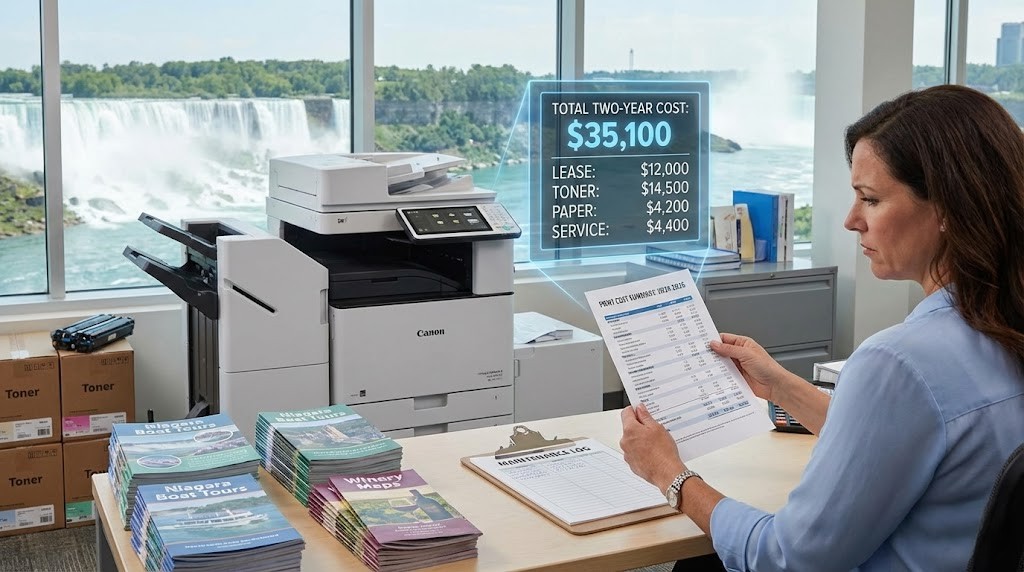
Paper Weight vs Paper Thickness (Point System)
While we’ve focused on pound weights, you’ll also hear paper described in “points” or “pt.” This measures actual thickness.
Point System Explained
| Point Measurement | Approximate Thickness | Equivalent Pound Weight |
|---|---|---|
| 10pt | 0.010″ | ~100lb cover |
| 12pt | 0.012″ | ~110lb cover |
| 14pt | 0.014″ | ~120lb cover |
| 16pt | 0.016″ | ~130lb cover |
| 18pt | 0.018″ | Very heavy cardstock |
When Points Matter Most:
- Business cards (14pt and 16pt are most common)
- Postcards and mailers
- Product packaging
- Any application where exact thickness is critical
At Niagara Print Express, we can recommend point measurements alongside pound weights to ensure you get exactly the thickness you’re envisioning.
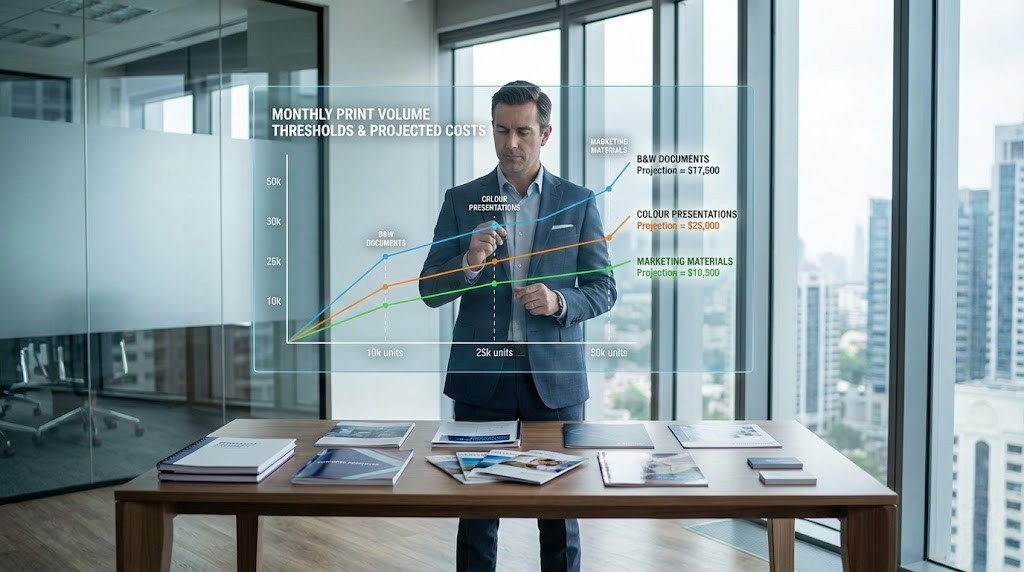
How Paper Weight Affects Cost
Understanding the cost implications of paper weight helps you make budget-conscious decisions without sacrificing quality.
Relative Cost Comparison
| Paper Weight | Relative Cost | Cost Per 1,000 Sheets (Letter Size) |
|---|---|---|
| 70lb text | Baseline (1.0×) | $30–40 |
| 80lb text | 1.15–1.25× | $35–50 |
| 100lb text | 1.4–1.6× | $45–65 |
| 100lb cover | 2.5–3.0× | $90–120 |
| 130lb cover | 3.5–4.0× | $120–160 |
Cost Factors Beyond Base Paper:
- Printing costs: Heavier stocks sometimes require slower printing speeds
- Finishing costs: Thicker stocks cost more to cut, fold and finish
- Shipping costs: Heavier paper increases postage and freight charges
- Storage costs: More storage space required for heavier inventory
Smart Cost Management Strategies
Strategy #1: Tiered Approach
- Standard materials (invoices, internal documents): 70lb text
- Professional marketing (brochures, flyers): 80lb text
- Premium positioning (sales materials): 100lb text or cover
Strategy #2: Selective Premium
- Use 130lb cover only for business cards and key brand touchpoints
- Use 100lb cover for most cardstock applications
- Reserve highest weights for materials with longest lifespan
Strategy #3: Volume Consideration
A Grimsby retailer printing 10,000 flyers monthly saved $180 monthly by choosing 80lb text instead of 100lb text—with no noticeable quality complaints from customers. That’s $2,160 annually redirected to other marketing.

Paper Weight and Printing Techniques
Different paper weights work better with specific printing methods and finishing techniques.
Compatibility Matrix
| Technique | Best Paper Weights | Avoid |
|---|---|---|
| Digital Printing | 60lb–100lb text, 80lb–130lb cover | Extremely heavy stocks (over 18pt) |
| Offset Printing | All weights | None (very versatile) |
| Folding | 60lb–100lb text | Cover stocks crack when folded |
| Scoring (for folding) | 100lb+ cover | Not needed for text weights |
| Embossing | 100lb–130lb cover | Thin stocks (don’t hold detail) |
| Foil Stamping | 100lb+ cover | Very thin stocks (heat damage) |
| Die Cutting | All weights | None (adjust tooling) |
Understanding these compatibilities prevents costly mistakes. A Hamilton marketing agency once designed business cards with intricate embossing on 80lb text—physically impossible. They had to redesign for 130lb cover, delaying their launch by two weeks.
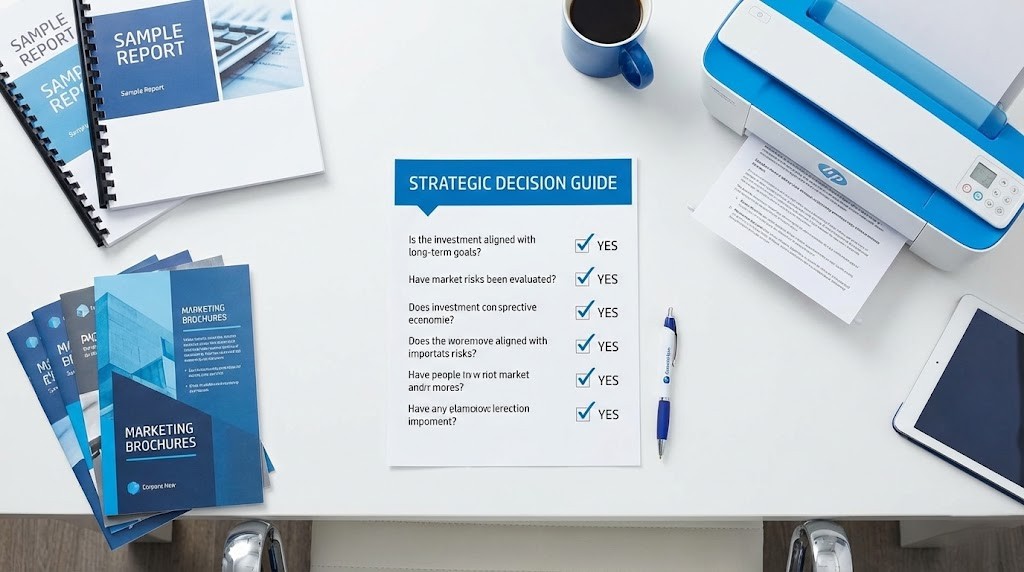
Practical Tips for Paper Weight Selection
After helping thousands of Niagara Region businesses choose paper weights, here’s our practical guidance:
Touch and Feel Before Committing
Always request samples before ordering large quantities. What feels “heavy enough” varies by individual preference and brand positioning.
At Niagara Print Express, we maintain a sample library showing every paper weight we offer. Touching and comparing samples eliminates guesswork.
Consider the Complete Experience
Think about the user journey with your printed piece:
Business Cards:
- Handed directly to someone → Weight creates first impression
- Kept in wallets/cardholders → Durability matters
- Sits on desks → Premium weight gets noticed vs discarded
Brochures:
- Mailed → Weight affects postage
- Handed out at events → Needs to feel substantial but not bulky
- Kept for reference → Durability vs recyclability
Flyers:
- Posted on bulletin boards → Weight less critical
- Mass distributed → Cost per piece matters most
- Short lifespan → Premium weight may be wasteful
Match Weight to Distribution Volume
| Distribution Volume | Smart Weight Choice | Reasoning |
|---|---|---|
| Under 500 units | Premium weights (100lb–130lb) | Per-unit cost less impactful |
| 500–2,000 units | Standard weights (80lb–100lb) | Balance quality and cost |
| 2,000–10,000 units | Consider lighter options | Savings multiply significantly |
| Over 10,000 units | Economy weights (70lb–80lb) | Cost becomes primary factor |
Account for Environmental Conditions
Outdoor Use: Heavier weights (100lb cover+) resist curling and damage better
High-Humidity Environments: Heavier stocks maintain rigidity
Frequent Handling: Premium weights (130lb cover) resist wear
Short-Term Use: Lighter weights perfectly adequate
A Niagara-on-the-Lake vineyard uses 130lb cover for outdoor event signage because lighter weights curl and deteriorate quickly in weather. For indoor tasting room materials, they use 80lb text and save 40% on printing costs.

Common Paper Weight Mistakes to Avoid
Assuming Heavier is Always Better
The Error: “I want the thickest, heaviest paper available for everything.”
The Reality: 130lb cover brochures don’t fold properly. 100lb text letterhead jams in most printers. Oversized postcard mailers cost extra postage.
The Fix: Match weight to application. Heavier isn’t better—appropriate is better.
Choosing Weight by Price Alone
The Error: “The 70lb option is $50 cheaper, so I’ll use that.”
The Reality: A St. Catharines law firm saved $80 by printing 2,000 brochures on 70lb instead of 80lb text. Clients commented the materials felt “cheap” and “flimsy.” The brand damage far exceeded the savings.
The Fix: Consider brand perception and intended impression, not just cost.
Ignoring Postal Regulations
The Error: Designing beautiful 130lb cover postcards without checking postage requirements.
The Reality: USPS and Canada Post have specific weight and thickness requirements affecting postage rates. Exceeding thresholds can double your mailing costs.
The Fix: Consult with your printer about mail specifications before finalizing designs. We regularly help Niagara businesses optimize for postage rates.
Not Considering Printer Compatibility
The Error: Ordering premium 100lb text letterhead without checking office printer specifications.
The Reality: Many office printers specify maximum paper weights (often 24lb-28lb bond/60lb-80lb text). Heavier stocks jam or damage equipment.
The Fix: Check your printer manual before ordering letterhead or materials you’ll print internally. For more details on file preparation, review our guide on understanding print resolution and file setup.
Paper Weight and Sustainability
Environmental consciousness increasingly influences paper choices in Canadian businesses.
Weight and Environmental Impact
| Consideration | Lighter Weights | Heavier Weights |
|---|---|---|
| Material Usage | Less raw material per sheet | More raw material required |
| Shipping Emissions | Lower weight = lower transport emissions | Higher weight = higher emissions |
| Recyclability | Easier to recycle in most systems | Equally recyclable but more material |
| Perceived Value | May need to communicate sustainability story | Premium feel may reduce print quantity needs |
Sustainability Strategy: Use appropriate weights rather than maximum weights. A 100-sheet run on 130lb cover has greater environmental impact than a 100-sheet run on 100lb cover—choose based on need, not excess.
Many Niagara Region businesses now specify recycled stocks in appropriate weights, achieving both sustainability goals and quality standards.
Key Takeaways: Master Paper Weight Selection
Choosing the right paper weight doesn’t require expertise—just understanding these fundamentals:
- Weight systems vary—80lb cover is much thicker than 80lb text; always specify the paper category
- Match weight to application—business cards need cardstock (100lb-130lb cover), brochures work best with text weights (80lb-100lb)
- Heavier isn't always better—choose appropriate weight for purpose, distribution and budget
- Request samples before ordering—touching and comparing eliminates guesswork and prevents expensive mistakes
- Consider total costs—heavier paper affects printing, finishing, shipping and postage expenses
Understanding paper weight empowers you to make informed decisions that balance quality, budget and brand perception perfectly.
Your Paper Selection Partner
At Niagara Print Express, we understand that paper weight selection can be overwhelming. That’s why we offer:
- Complete sample library featuring every paper weight and finish we stock
- Free consultations to discuss your project and recommend optimal weights
- No-obligation samples of your design printed on multiple weights for comparison
- Transparent pricing showing cost differences between paper options
- Expert guidance on weight, finish and coating combinations
We believe in helping you make the right choice for your specific needs—whether that’s premium 130lb cover or cost-effective 80lb text.
Ready to choose the perfect paper weight for your next project? Visit our contact page to schedule a consultation or call us at (289) 897-9026 to discuss your printing needs. Check our resources library for downloadable paper selection guides and cost calculators. Let’s ensure your printed materials feel exactly right.

We print almost everything!
Didn't find what you're looking for?
We print almost everything! Contact us for custom requests.
Frequently Asked Questions (FAQs)
What is the difference between 80lb, 100lb, and 130lb paper?
The main difference between 80lb, 100lb, and 130lb paper is thickness, rigidity, and perceived quality. 80lb stock is commonly used for brochures and flyers and feels professional but flexible. 100lb stock is thicker and more substantial, offering a premium feel without being overly rigid. 130lb stock is heavy cardstock, often used for business cards and luxury marketing materials because it feels thick, durable, and high-end.
Is 100lb paper thicker than 80lb paper?
Yes, 100lb paper is thicker and heavier than 80lb paper within the same category (text vs cover). However, it’s important to understand that 100lb text is thinner than 100lb cover stock because they are measured using different base sizes. Always clarify whether you are choosing text weight or cover weight when comparing thickness.
Is 130lb paper too thick for brochures?
In most cases, 130lb cover is too thick for standard folded brochures because heavy cover stock can crack when folded unless properly scored. Brochures typically print best on 80lb or 100lb text stock, which folds cleanly and still feels professional. 130lb stock works better for postcards, business cards, and covers rather than interior folded pieces.
What paper weight is best for business cards?
For business cards, 100lb cover is considered the standard professional weight. If you want a more premium, luxury feel, 130lb cover (or 16pt cardstock) is often preferred. Heavier stock creates a stronger first impression and feels more durable when handed to clients or prospects.
Does heavier paper always look more professional?
Not necessarily. Heavier paper often feels more premium, but the best choice depends on the application. For example, 100lb text may be perfect for high-end brochures, while 130lb cover would be impractical. Choosing the appropriate weight for the purpose creates a more professional result than simply selecting the heaviest option available.
How does paper weight affect printing cost?
Heavier paper costs more due to increased material usage, slower printing speeds, and higher shipping or postage fees. Moving from 80lb text to 100lb text can increase costs by 15–25%, while upgrading from 100lb cover to 130lb cover can increase costs by 20–40%. The impact becomes more significant at higher print volumes.
Add a Comment