
 Cart is empty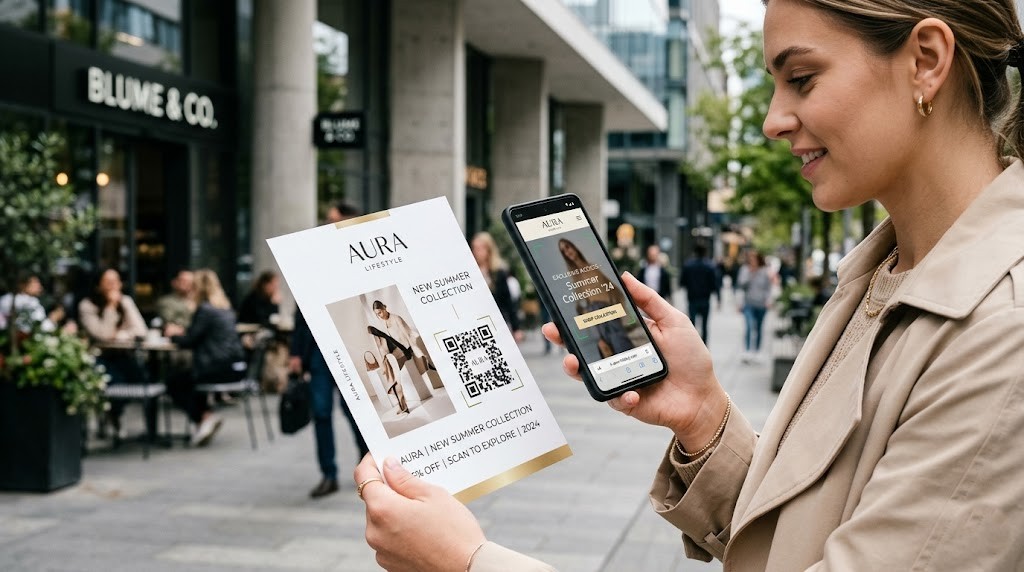
For a few years, QR codes had an image problem. They arrived too early — before smartphones made scanning effortless — and spent a decade being mocked as clunky, unnecessary, and awkward. Then the pandemic happened. Overnight, QR codes became the safest and most practical way to share menus, information, and links without physical contact. Consumers learned how to use them. Smartphones made it automatic. And businesses discovered that a small, scannable square on a printed piece of paper could do something print never could before: connect directly to the digital world and tell you exactly what happened next.
That shift did not reverse when the pandemic ended. It accelerated. In 2026, QR code scans have grown by 433% compared to pre-pandemic levels and show no signs of slowing. The global QR code marketing market — valued at $64.36 billion in 2025 — is projected to grow to $86.18 billion in 2026, a 33.9% compound annual growth rate. Ninety-eight percent of marketers now report a positive effect on their marketing from QR codes, and 50% are already using them in printed materials.
For businesses in the Niagara Region and across Canada, this represents a genuine opportunity: your print marketing — business cards, flyers, banners, brochures, packaging — can now do far more than look good. It can track engagement, drive conversions, and connect your audience to a digital experience the moment they hold it in their hands. This guide explains how, and what to do with that knowledge.

Who Is This Guide For?
Owners
Small business owners in the Niagara Region who use print marketing and want to understand how QR codes can amplify their ROI.
Marketers
Marketing managers evaluating whether to update their print materials with interactive, trackable elements.
Retailers
Retail, hospitality, and service businesses that distribute flyers, business cards, or point-of-sale signage.
Printers
Anyone ordering new print materials who wants to make sure they are building in the tracking and digital connectivity that 2026 customers expect.

Why Did QR Codes Come Back — and Why Are They Staying?
The original failure of QR codes was not the technology — it was the friction. Before 2020, scanning a QR code required downloading a separate app. Most people did not bother. The pandemic removed that friction entirely: iOS 11 (2017) had already built QR scanning into the native camera app, and Android followed. By 2020, every smartphone in Canada could scan a QR code in under two seconds with no app required.
Consumer trust followed. According to the Unicode State of QR Codes 2026 report — based on surveys of over 500 marketers and 1,000 US consumers — 71% of consumers now find QR codes beneficial in their everyday activities, and nearly 60% express confidence that QR codes are safe to scan. Trust in QR codes has increased year-over-year. The audience that businesses need to reach has not only accepted QR codes — it actively expects them.
| Year | Key Development | Impact on Print Advertising |
|---|---|---|
| Pre-2017 | QR scanning required separate app | Low adoption — consumers would not download apps to scan |
| 2017 | iOS 11 built QR scanning into iPhone camera | Friction removed for Apple users (50%+ of Canadian market) |
| 2019–2020 | Android native camera scanning enabled | Universal — any smartphone, no app needed |
| 2020–2021 | Pandemic drove mass QR code exposure (menus, check-ins) | Consumer behaviour normalised; 71% now find QR codes beneficial |
| 2022–2024 | Post-pandemic retention; branded QR code tools mature | Scans grew 433%; branded QR codes get 80% more scans than plain |
| 2025–2026 | QR code marketing market hits $64–86B globally | 98% of marketers report positive impact; 50% using in print materials |

What Do the Numbers Say About QR Codes in Print in 2026?
The data is not ambiguous. QR codes have moved from novelty to mainstream marketing infrastructure:
- QR code scans grew 433% over the past few years and are still accelerating. (QRCode Tiger, 2026)
- 98% of marketers report a positive effect from QR codes on their marketing efforts. (Uniqode State of QR Codes 2026)
- 71% of consumers find QR codes beneficial in their everyday activities. (Uniqode, 2026)
- 50% of marketers are currently using QR codes in printed materials — making print the third most common QR code channel after social media (64%) and digital ads (60%). (Uniqode, 2026)
- Branded QR codes — those incorporating a logo and call-to-action — get up to 80% more scans than plain black-and-white codes. (QRCode Tiger, 2026)
- 75% of consumers scan QR codes primarily to get more information — meaning your print piece can now serve as a gateway to your full offer, portfolio, pricing, or booking page. (Uniqode, 2026)
- 75% of consumers scan QR codes primarily to get more information — meaning your print piece can now serve as a gateway to your full offer, portfolio, pricing, or booking page. (Uniqode, 2026)
The business case is clear. The question is no longer whether to use QR codes in your print marketing — it is how to use them well.
Where Do QR Codes Work Best in Print Marketing?
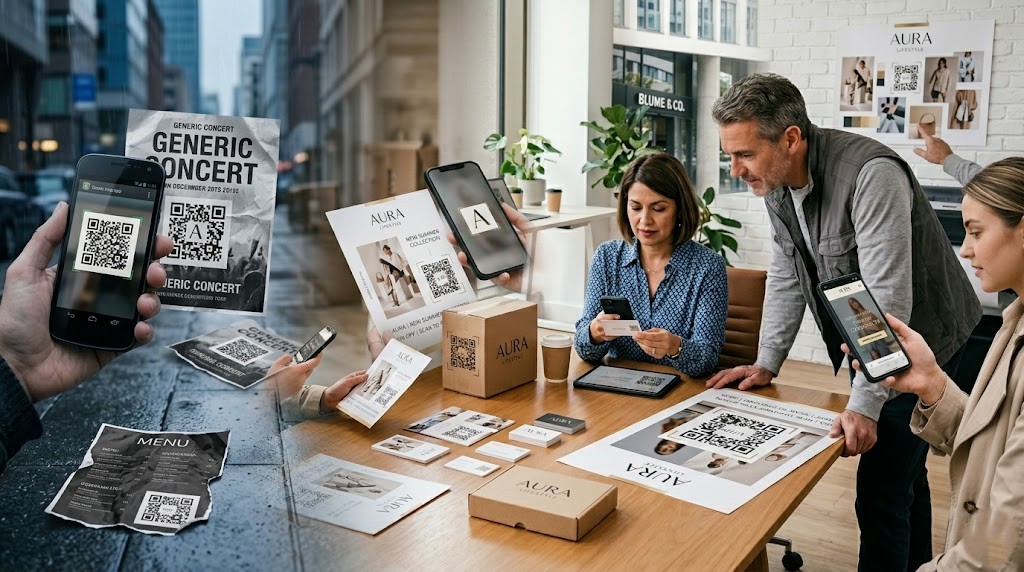
QR codes add value whenever a printed piece needs to do more than a single piece of paper can hold — and when there is a specific, valuable action you want the reader to take. Here is how they integrate with the most common print marketing formats:
Business Cards
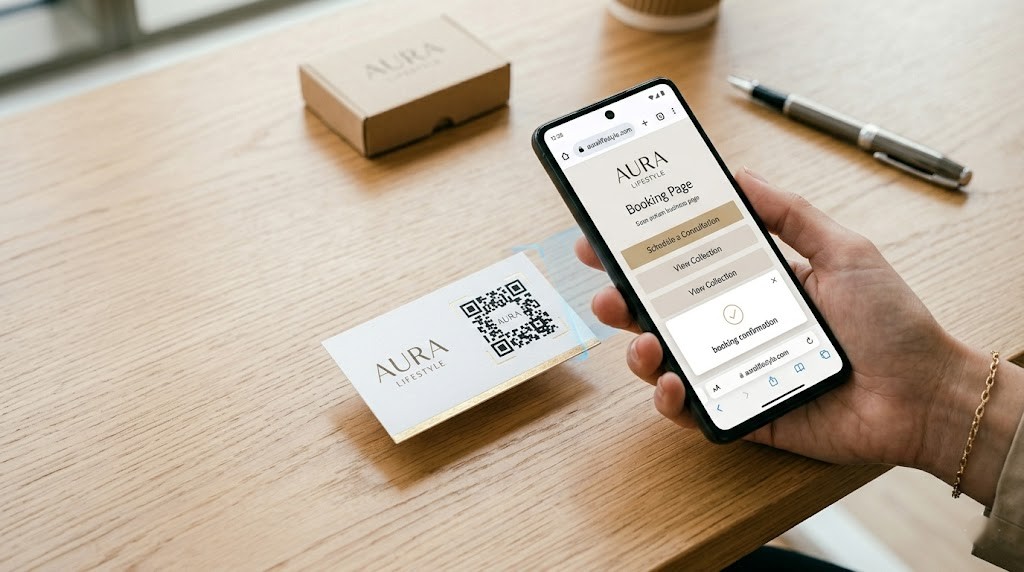
A business card has limited real estate — name, role, contact, and brand. A QR code on the back (or front, as a design element) can link to a digital portfolio, a booking page, a specific offer, a LinkedIn profile, or a full-service menu. In 2026, the most effective business cards give recipients one clear action to take, and a QR code makes that action instant. If it just links to a homepage, it wastes the opportunity. If it links to a ‘Book a Free Consultation’ page or a video introduction, it becomes a conversion tool.
Flyers and Brochures
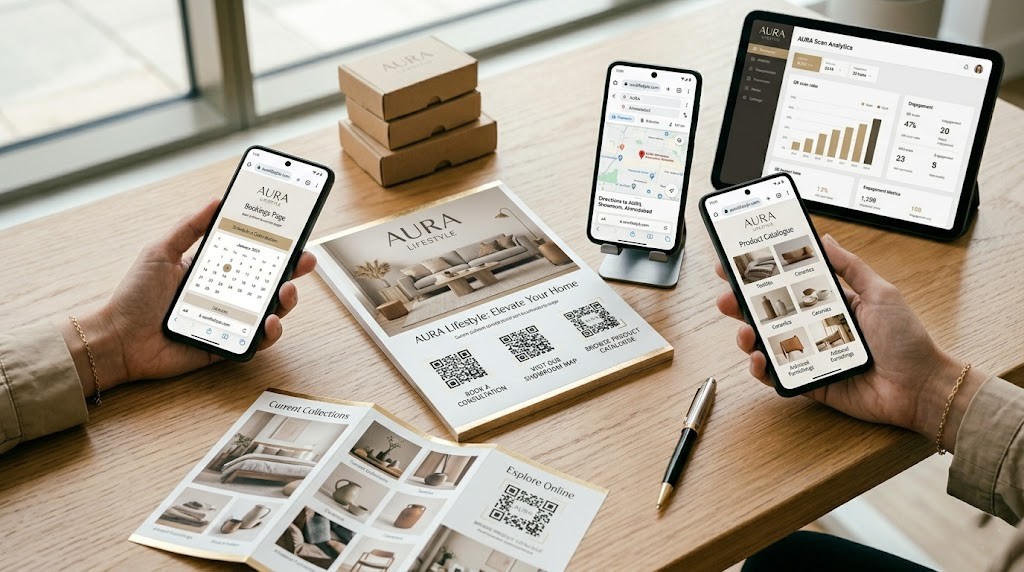
Flyers are often time-sensitive and space-constrained. A QR code can link to a full menu, an event RSVP page, a detailed product catalogue, a Google Maps direction link, or a limited-time offer page. More importantly, it makes your flyer trackable — you can see exactly how many people scanned it, when, and from where. Without a QR code, a flyer is a one-way channel. With one, it becomes a two-way engagement tool that tells you whether your print investment is working.

Banners and Posters
Large-format signage — trade show banners, window signage, indoor posters — reaches audiences who are physically present and engaged. A QR code on a banner at a Niagara trade show or community event gives interested viewers an immediate next step: scan to learn more, claim a discount, or enter a contest. The key is placement and size: QR codes on banners should be minimum 2 cm × 2 cm (larger for viewing distances over 1 metre) and positioned at eye level with a clear, short call-to-action above them.

Packaging and Labels
For product-based businesses, QR codes on packaging are increasingly expected — not optional. They can link to ingredient information, care instructions, warranty registration, re-order pages, how-to videos, or brand storytelling content. In Canada’s food and beverage sector, QR codes on labels are becoming a compliance tool as well as a marketing tool. Every scan from packaging is a post-purchase touchpoint that can deepen brand loyalty and drive repeat purchases.
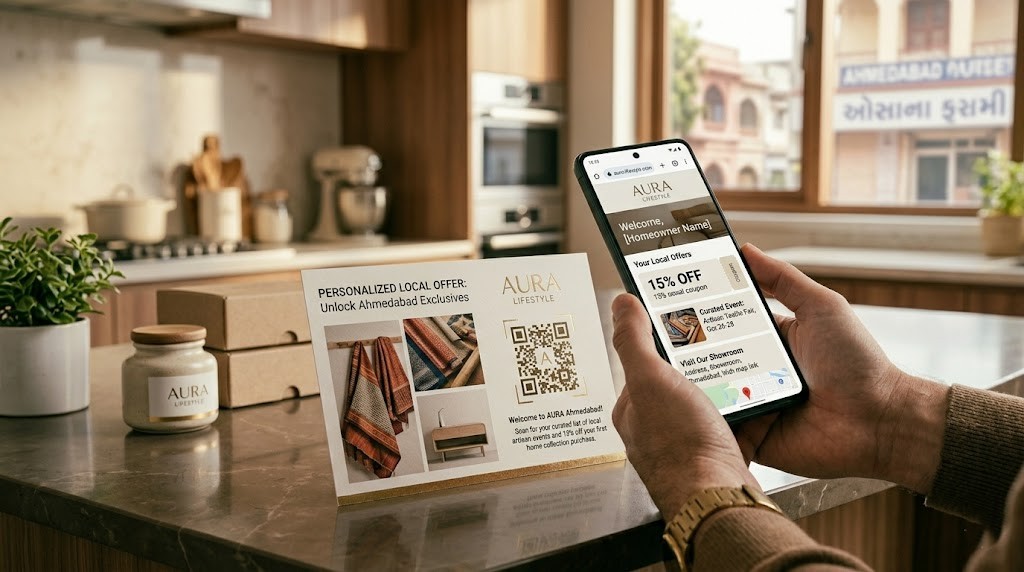
Postcards and Direct Mail
Direct mail QR codes are one of the highest-converting applications of the technology. A personalised postcard to a targeted neighbourhood with a QR code linking to a neighbourhood-specific landing page — ‘Exclusive offer for Niagara Falls residents’ — can achieve scan rates of 10–15% or higher. Unlike digital ads with sub-1% click-through rates, direct mail with a QR code combines the trust of physical mail with the immediacy of digital response.
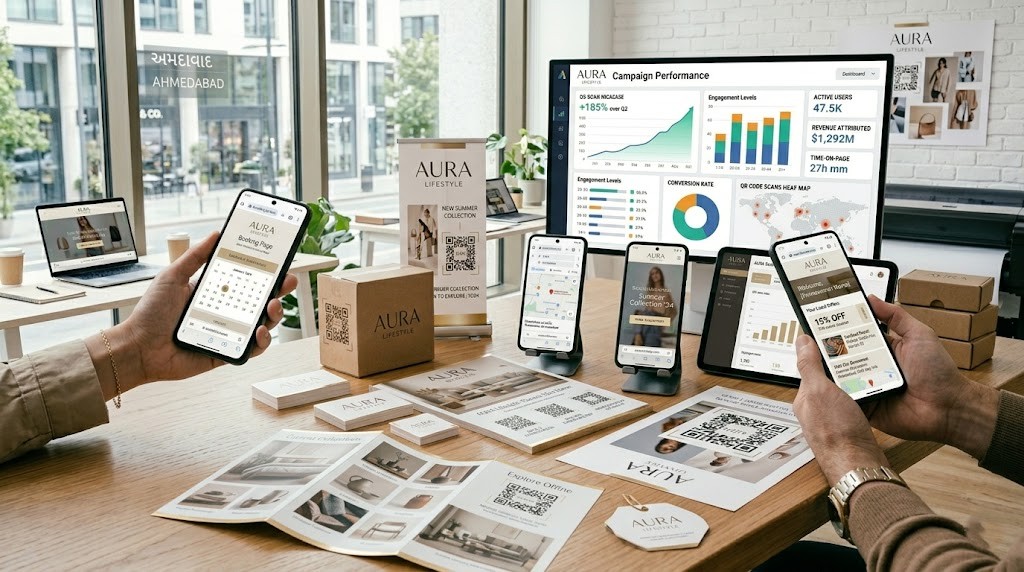
QR Code Use Cases by Print Product
| Print Product | Best QR Code Destination | What It Enables |
|---|---|---|
| Business Cards | Digital portfolio / booking page / LinkedIn / intro video | Immediate conversion action; professional digital presence |
| Flyers | Event RSVP / limited-time offer / full product menu / Google Maps | Trackable campaign; measurable ROI on distribution |
| Brochures | Full service catalogue / video testimonials / consultation form | Bridge between browsing and buying |
| Banners & Posters | Contest entry / discount code / directions / social follow | Captures high-intent in-person audience |
| Packaging & Labels | Re-order page / how-to video / warranty registration / reviews | Post-purchase engagement; repeat purchase driver |
| Postcards / Direct Mail | Personalised landing page / neighbourhood offer / appointment booking | Highest conversion channel for QR codes in print |
| Notepads & Stationery | Website / email signup / contact page | Brand touchpoint on every page, every day |
| Pocket Folders / Presentation Kits | Proposal follow-up URL / case studies / team bios | Sales tool extension; professional continuity |
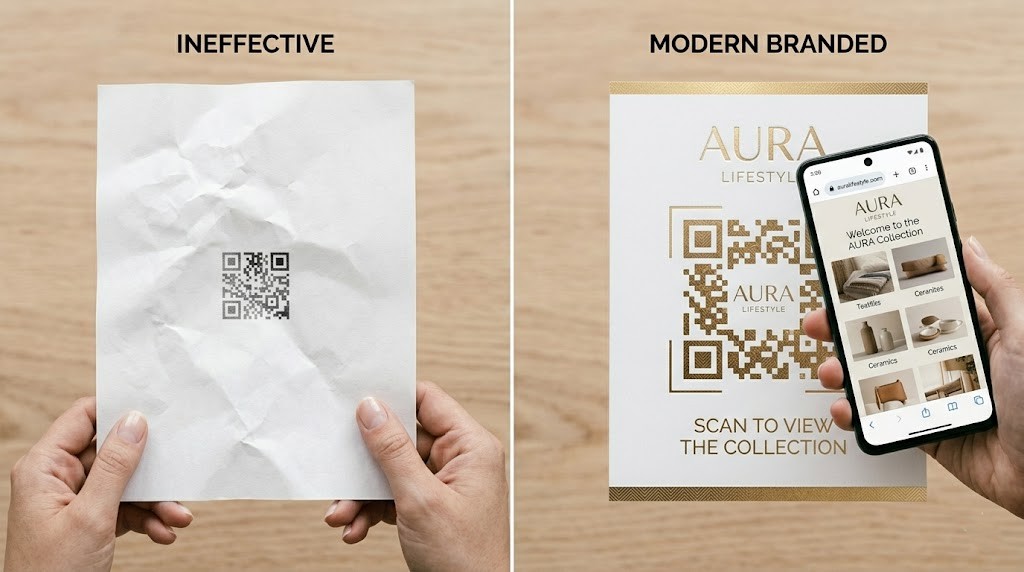
What Makes a QR Code in Print Actually Work?
A QR code that does not get scanned — or that gets scanned and leads somewhere unhelpful — is wasted print space. Here are the design and strategy principles that separate high-performing QR codes from decorative squares:
| Best Practice | Why It Matters | Practical Guidance |
|---|---|---|
| Use a Dynamic QR Code, Not a Static One | Dynamic codes can be updated after printing — change the destination without reprinting | Use a platform like QR Code Generator, Bitly, or Canva Pro to create dynamic codes |
| Make It Large Enough to Scan | QR codes under 2.5 cm are difficult to scan reliably on most print | Minimum 2.5 cm for business cards/flyers; 5+ cm for posters; 10+ cm for banners |
| Add a Clear Call-to-Action | QR codes without context get ignored — tell people what to do and why | “Scan to book your free quote”, “Scan for today’s offer”, “Scan to see our full menu” |
| Brand Your QR Code | Branded QR codes (with logo, colour) get up to 80% more scans than plain black/white | Incorporate your brand colour into the QR code using a dynamic QR generator |
| Link to Mobile-Optimised Pages | 95%+ of QR code scans happen on smartphones — if the page is desktop-only, you lose them | Test your destination on iPhone and Android before going to print |
| Test Before You Print | A QR code error discovered post-print means a full reprint job | Test on multiple devices — iOS camera, Android camera, Google Lens |
| Track Your Scans | Without analytics, you cannot measure your print ROI | Most dynamic QR platforms provide scan counts, device type, and location data |
| Match Destination to the Piece | A QR code on a flyer should lead to a page that continues the flyer’s message — not a generic homepage | Create a unique landing page per campaign for clean tracking and conversion |
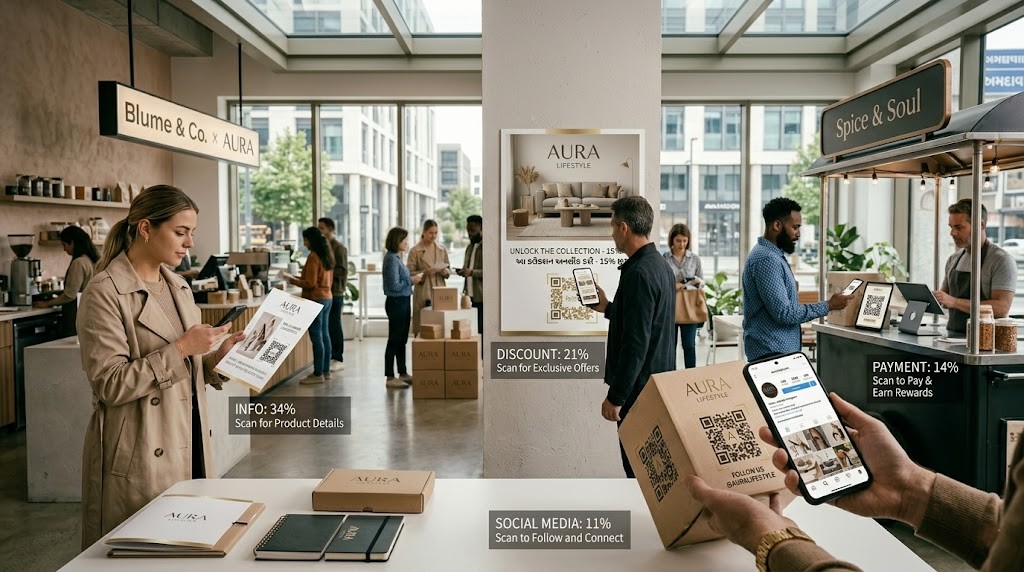
What Are Consumers Actually Scanning For in 2026?
Understanding consumer intent is what separates brands that use QR codes as decoration from those that use them as conversion tools. The Uniqode 2026 report is clear:
| Consumer Motivation for Scanning | Percentage of Consumers | Implication for Your Print Design |
|---|---|---|
| To get more information | 75% | Link to detailed product/service pages — not just your homepage |
| To access a discount or offer | 52% | A QR code tied to an exclusive offer drives action and attribution |
| To make a payment | 35% | QR payment links work for quick-service businesses, food vendors, pop-ups |
| To connect on social media | 28% | Drive followers from flyers and business cards to Instagram/Facebook |
| To enter a competition or win | 22% | Contest-linked QR codes on banners and posters boost event engagement |
Note the gap: 75% of consumers scan to get more information, but only 36% of marketers currently use QR codes to provide additional information. That misalignment is an opportunity. Businesses that link their QR codes to genuinely useful, detailed content — not a generic homepage — will see significantly higher scan conversion rates.
How Niagara Businesses Are Using QR Codes in Print Right Now
Across Niagara Region — from Niagara Falls to St. Catharines, Welland, and Thorold — local businesses are discovering that QR codes on printed materials close the gap between handing someone a card or flyer and actually getting them to act. A restaurant on Clifton Hill puts a QR code on their table tent and sees 40% of diners scan it before ordering. A contractor in Thorold puts a QR code on their yard signs linking to a ‘Get a Quote’ page and tracks exactly which neighbourhoods are responding. A boutique on St. Paul Street in St. Catharines puts a QR code on their shopping bags linking to their loyalty program — turning a one-time purchase into a recurring relationship.
None of these strategies require expensive technology or a development team. They require a good dynamic QR code, a clear destination page, and print materials designed and produced with the QR code intentionally incorporated — not added as an afterthought.
Ready to Print Materials That Work Harder for Your Business?
At Niagara Print Express, we produce the full range of print materials that QR codes work best on — business cards, flyers, brochures, banners, packaging, labels, notepads, and promotional items — delivered fast and affordably across Canada from our fully online platform.
When you order print materials designed to carry a QR code, sizing, placement, and print quality matter. Our team ensures your QR codes reproduce cleanly, scan reliably, and integrate with your brand design — not as an afterthought, but as a core part of your marketing piece. No design? No problem — we handle that too.
- Business Cards from $38 — include a QR code on the back at no extra charge
- Custom flyers, brochures, and postcards — full-colour, QR-ready
- Large-format banners and posters — high-resolution print, QR codes reproduced at any scale
- Custom packaging, labels, and stickers — product-ready QR codes included in design
- Fast turnaround — because your campaign cannot wait

We print almost everything!
Didn't find what you're looking for?
We print almost everything! Contact us for custom requests.
Frequently Asked Questions (FAQs)
Are QR codes still relevant in 2026?
More than ever. QR code scans have grown 433% over the past few years, 98% of marketers report a positive effect from them, and 71% of consumers find QR codes beneficial in daily life. The global QR code marketing market is projected to grow from $64.36 billion in 2025 to $86.18 billion in 2026 — a 33.9% growth rate. QR codes are no longer a trend; they are standard infrastructure for connecting print marketing to the digital world.
What is the difference between a static and a dynamic QR code?
A static QR code encodes the destination URL directly — once printed, the destination cannot be changed without reprinting. A dynamic QR code links to a short URL that redirects to your destination, which can be changed at any time without reprinting. Dynamic codes also provide scan analytics — number of scans, device type, location, and time. For print marketing, dynamic QR codes are strongly recommended.
How big should a QR code be on a printed piece?
Minimum size depends on viewing distance. For business cards and flyers viewed up close, 2.5 cm × 2.5 cm is a reliable minimum. For posters and point-of-sale signage, 5 cm × 5 cm or larger. For banners and large-format signage viewed from 1+ metres, 10 cm × 10 cm or larger. Always test the printed QR code with multiple devices before finalising the print run — a QR code that does not scan reliably is wasted space.
Do branded QR codes really get more scans?
Yes — significantly. Research shows branded QR codes (incorporating a logo, brand colour, or framed design) receive up to 80% more scans than plain black-and-white codes. This is because branded QR codes build trust (the consumer can see whose code it is), are more visually interesting, and are often accompanied by a clear call-to-action that motivates scanning. Niagara Print Express can help incorporate your brand elements into QR code design on any print material.
What should a QR code on a business card link to?
The most effective business card QR code links to a specific, high-value destination — a portfolio page, a booking link, a specific service offer, a video introduction, or a digital version of the card (vCard). Linking to a generic homepage is the most common wasted opportunity. Before printing, decide on the single most important action you want someone to take after receiving your card, and link the QR code directly to that action.
Can QR codes on print materials track ROI?
Yes — this is one of the most powerful advantages of adding QR codes to print. Dynamic QR codes provide scan analytics that show how many people scanned your flyer, banner, or business card, when they scanned it, and from which location. By creating unique QR codes per print campaign or distribution zone, you can compare which flyers, neighbourhoods, or events generated the most responses — giving your print marketing the same kind of measurability as a digital ad campaign.
Are QR codes free to create?
Basic static QR codes are free to create using tools like QR Code Generator, Canva, or Adobe Express. Dynamic QR codes with advanced analytics typically require a paid subscription, starting from approximately $5–$15 per month for small business plans. Given that dynamic codes provide campaign tracking, the ability to update destinations without reprinting, and branded design options, the cost is minimal relative to the value — especially on a print run that represents hundreds of dollars or more.
Which print products from Niagara Print Express work best with QR codes?
Business cards, flyers, brochures, postcards, and banners are the highest-impact formats for QR code integration. Business cards with QR codes link to portfolio or booking pages. Flyers and postcards with QR codes make campaigns trackable. Banners and posters with QR codes capture in-person audiences at events and storefronts. Labels and packaging with QR codes extend the customer relationship beyond the point of purchase. Niagara Print Express produces all of these formats with fast turnaround and competitive pricing — and our design team can incorporate your QR code into any layout.
Should I put a QR code on every piece of print I order?
Not necessarily — a QR code should be added when there is a clear, specific, and valuable action for the reader to take. If the destination is genuinely useful (a booking page, a detailed service menu, an exclusive offer, a video), the QR code adds real value. If it only links to a generic homepage with no clear next step, it wastes space and disappoints people who scan it. The rule is: add a QR code when you have a worthy destination, a clear call-to-action, and a system to track the results.
How do I ensure my QR code prints correctly?
Always supply your QR code as a vector file (SVG or EPS) or high-resolution PNG (minimum 300 DPI at final print size) to your print provider. Avoid placing QR codes over busy backgrounds, gradients, or patterns that reduce contrast — they need high contrast between dark modules and light background to scan reliably. Test the final code on at least three devices (iPhone camera, Android camera, and a QR app) before approving print. At Niagara Print Express, we check QR code reproduction as part of our pre-press process to ensure scannability on the finished piece.

Shadab Alam
Shadab Alam is an entrepreneur and co-founder of NPE, specializing in print marketing, branding, and business growth strategies. With experience in building and scaling business initiatives, he focuses on helping companies use high-quality printed materials and creative marketing to strengthen their brand presence.
Add a Comment